For property agencies
Answer the enquiry while the listing is still open on their screen
Property enquiries arrive in bursts, from several ads at once, and go cold in minutes. The agent replies immediately, asks the qualifying questions and writes the answers onto the contact, then routes the thread to whoever is actually on duty.
- Enquiries from click-to-WhatsApp and click-to-Messenger ads arrive with their ad ID and click ID
- The agent asks your qualifying questions and writes the answers to contact fields
- Round-robin or least-busy assignment, inside the hours your team really works
- Voice notes transcribed; WhatsApp calls answered and transferred from the app
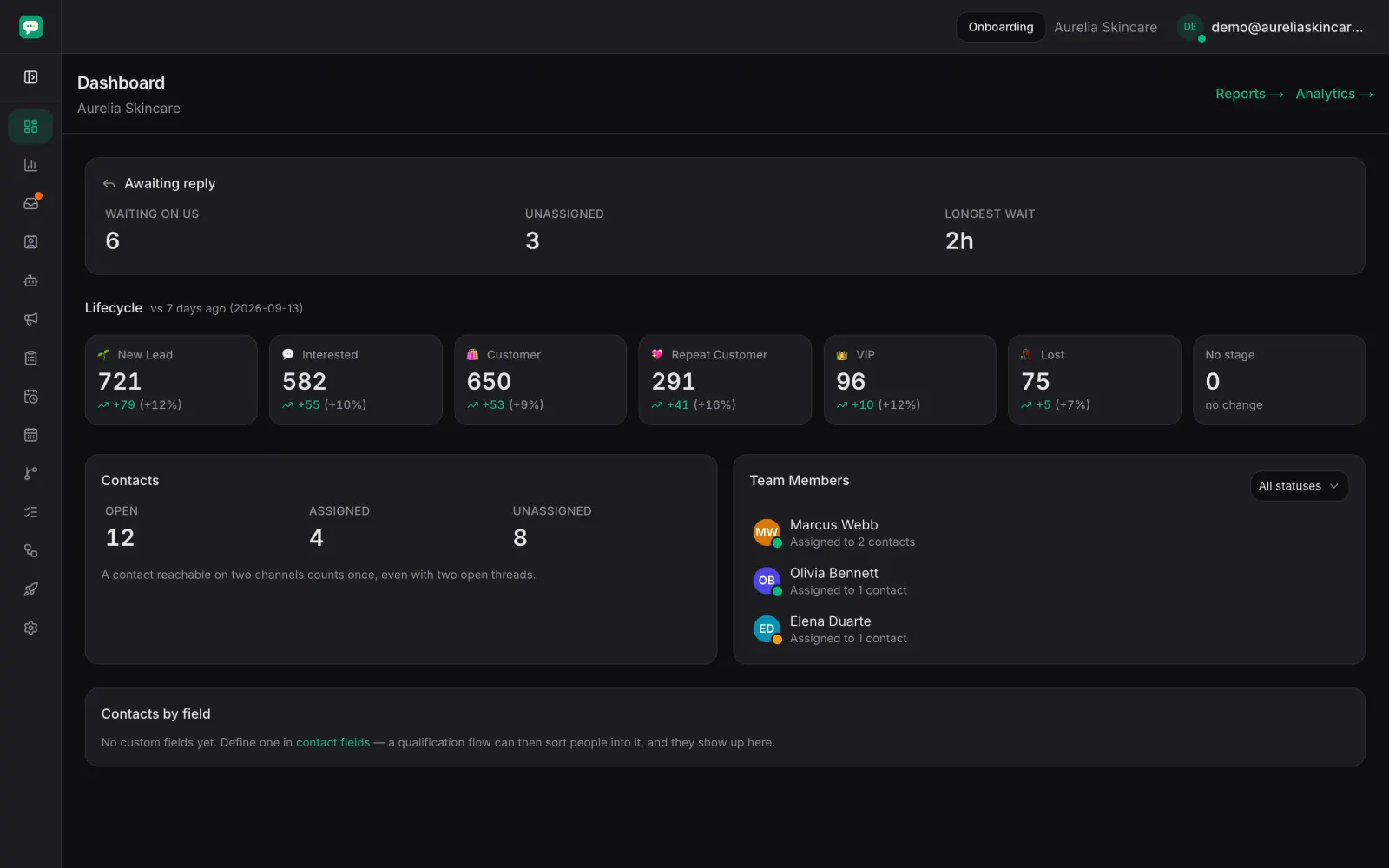
What it does for an agency
A reply in seconds, at the hour enquiries arrive
Most property enquiries land outside office hours. The agent answers what the listing did not say and keeps the person engaged until a negotiator picks it up.
Qualification captured as data, not as a note
Budget, area, timing, whether they are buying or renting — asked in the conversation and written to contact fields, so the record is filterable instead of being buried in chat history.
The right negotiator, not the fastest one
Assignment goes round-robin or to whoever has the fewest open threads, inside business hours, and the dashboard shows what each person is carrying.
You know which listing and which ad produced the lead
Ad ID and click ID arrive with the conversation and stay on the contact, so spend can be judged by the leads it created rather than by the clicks it bought.
Nothing goes cold in silence
A conversation that stops moving reopens itself on the day you chose, and a viewing that did not happen can trigger a follow-up.
From ad to viewing
The enquiry arrives
From an ad, your site or a DM, carrying whatever identifiers the platform attached.
The agent qualifies it
It asks your questions, writes the answers to the contact, tags the enquiry and sets the lifecycle stage.
A negotiator takes over
Routed by rules, on a phone or a laptop. The whole exchange is already there to read, including transcribed voice notes.
The viewing is arranged by a person
The agent can send your booking page; a negotiator confirms the time. The thread, the calls and the notes stay on the contact afterwards.
Frequently asked
- Does it qualify the lead or just reply?
- It asks the questions you specify and writes the answers to fields on the contact, so a negotiator opens a qualified record rather than scrolling a chat.
- Can I tell which ad a lead came from?
- Yes. Click-to-WhatsApp and click-to-Messenger conversations arrive with their ad ID and click ID, both recorded on the contact, and the lead is reported back to Meta automatically.
- Can negotiators work from their phones?
- Yes — iOS and Android apps with push, the same threads and the same assignment rules as the web inbox, and WhatsApp calls answered or transferred from either.
- Does it arrange the viewing?
- It can send your booking page and answer the questions around it. Agreeing a time stays with your negotiator.
Solutions by industry
Catch the enquiry while it is still warm
Let the agent answer and qualify instantly, and let your negotiators start from a record instead of a scroll.